Master Xero or QuickBooks Online — With Expert-Led Training
Live online training sessions designed for business owners and finance teams who want to get the most out of their accounting software. One-on-one or group sessions tailored to your exact setup.
🇦🇺 AUS · 🇳🇿 NZ · 🇬🇧 UK · 🇺🇸 USA · 🇨🇦 Canada
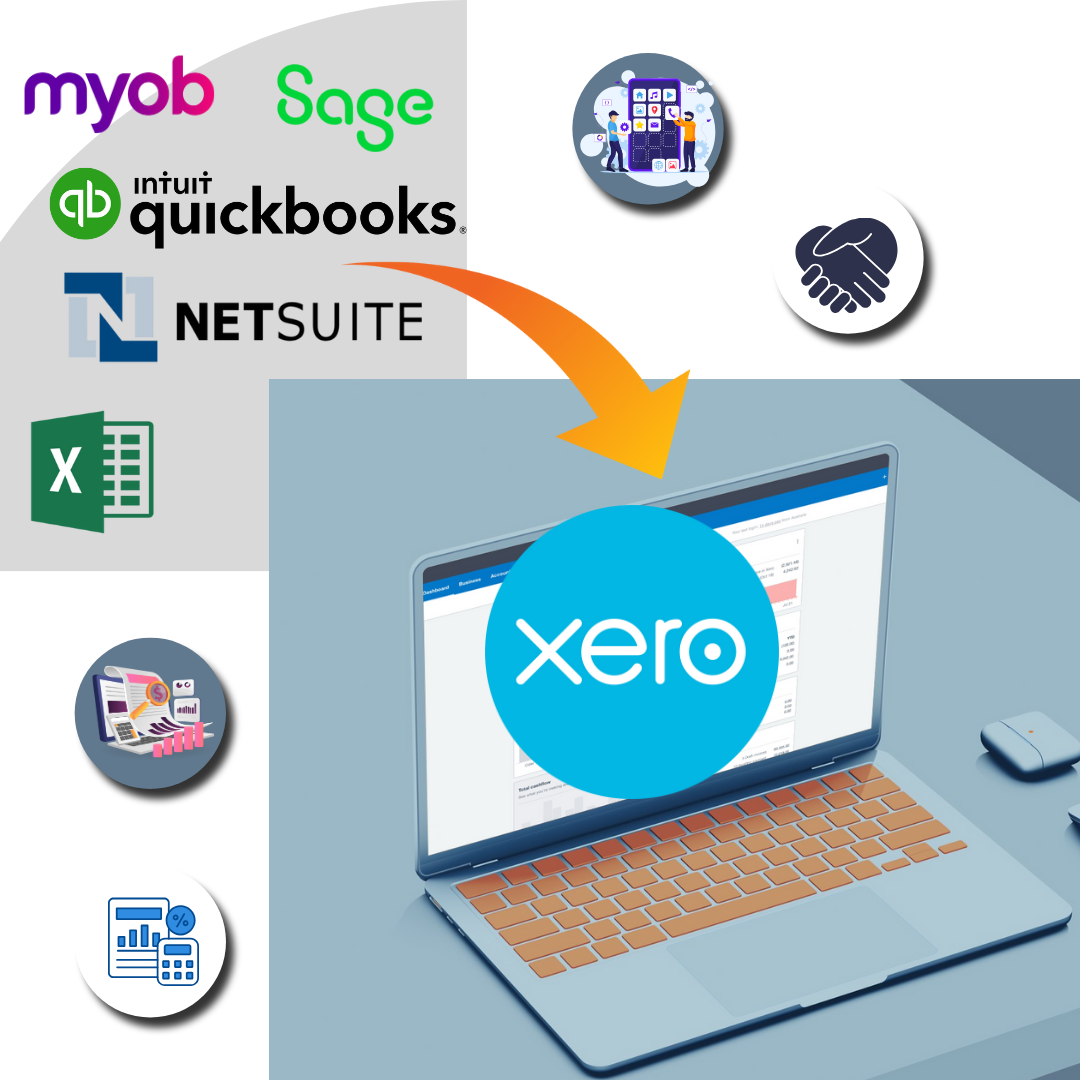
Why Xero & QBO Users Are Moving to Xero
The key reasons businesses in the UK, Australia and worldwide are making the switch — and why the right migration partner matters.
Stop Making Costly Errors
Incorrect bank reconciliation, wrong VAT codes and misposted transactions cost businesses thousands each year. Proper training eliminates these errors from day one.
Faster Month-End Close
Teams who know their accounting software properly close the month in hours, not days. Training pays for itself in time saved within the first reporting period.
Use Features You Are Paying For
Most businesses use less than 30% of Xero or QBO's features. Training unlocks bank rules, projects, reporting and payroll features you're already paying for.
Tailored to Your Exact Setup
Generic YouTube tutorials cover demo companies — we train on your actual chart of accounts, your bank feeds and your invoicing workflows.
30-Day Follow-Up Support
Questions always come up after training. You have 30 days of follow-up support so no query goes unanswered and confidence builds quickly.
Complete Xero & QBO Migration Coverage
Whether you need a one-time migration or ongoing support — we handle every part of your Xero & QBO move from start to finish.
Xero Basic Training
Perfect for new Xero users — covers navigation, invoicing, bank reconciliation and reporting.
Xero Advanced Training
For experienced users wanting to master payroll, projects, multi-currency and app integrations.
Team Training
Live group sessions for your full accounts team, tailored to your business processes.
Post-Migration Training
Hands-on training specifically for teams who have just migrated to a new platform.
What's Included in Your Xero & QBO Migration
Every migration includes end-to-end data transfer, full reconciliation, and compliance setup — not just a file import.
- Live online sessions via Zoom or Microsoft Teams
- Choice of Basic or Advanced track (or both)
- One-on-one or team format (up to 6 people)
- Training on your actual chart of accounts and business setup
- Session recording shared after training
- Customised checklist and reference notes provided
- 30-day follow-up Q&A support after sessions
- Flexible scheduling across UK, AUS, NZ, USA and Canada time zones
Migrations We Handle Every Day
Whatever your exact starting point, chances are we've migrated it before.
Xero Basic Training
Invoicing, bank feeds, reconciliation and basic reporting for new Xero users.
Xero Advanced Training
Payroll, projects, multi-currency, custom reports and third-party app integrations.
QuickBooks Online Training
Full QBO training from setup to advanced reporting and payroll.
Team Training Sessions
Group training for accounts teams — up to 6 people per session.

Why Choose Kalki for Your Xero & QBO Migration
One-on-One or Team Sessions
Private sessions focused on your exact software version and business setup — no generic tutorials.
Live Online via Zoom / Teams
All sessions are conducted live online — no travel, no scheduling headaches.
Tailored to Your Setup
We train on your actual chart of accounts, your invoices, your bank feeds — not a demo company.
30-Day Follow-Up Support
After training, your team has 30 days of follow-up support for questions as they arise.
How It Works
Typical timeline: 1–3 sessions (1–2 hours each)
1. Discovery & Data Audit
We review your existing data, chart of accounts, and full migration scope.
2. Test Migration & Mapping
A sample migration is run and validated before we touch your full data set.
3. Full Migration & Reconciliation
Complete data transfer with a point-by-point reconciliation report.
4. Training & Handover
Your team is trained on the new platform with 30 days of post-migration support.

Trusted by Businesses in 🇦🇺 AUS · 🇳🇿 NZ · 🇬🇧 UK · 🇺🇸 USA · 🇨🇦 Canada
"Moved from MYOB to Xero with Kalki's help. They understood our Australian BAS requirements perfectly and the migration was flawless. I'd recommend them to any Aussie business in a heartbeat."

"Used Kalki for QuickBooks Online migration. They worked around our time zone without complaint, responded within hours, and delivered everything on schedule. Professional and completely trustworthy."

Common Questions
Ready to Migrate from Xero & QBO?
Tell us your current Xero & QBO setup and data size — we'll send a detailed migration plan and fixed-price quote within 24 hours.